Quickstart Overview
Get started with Testkube in 2 steps:
- Select which installation path below that is right for you.
- Schedule a call with our Solutions Engineering team to get your evaluation license and answers to any outstanding questions.
1. Select an Installation Path
Select which installation path is right for you from the below options:
🛠 Individual Evaluation: Local Deployment, Full Potential
Best for individual evaluators investigating Testkube before sharing it with others. Requires a local Kubernetes runtime, like Minikube.
Goal: Run a test locally with minimal friction
Persona: Individual developer / technical evaluator
Intended for: UI exploration, manual triggers, sample workflows
Time to value: ≤ a day
🛠 Team Evaluation: Your Cluster, Real Tests
Best for teams investigating Testkube in real-life scenarios. Requires Kubernetes cluster access with sufficient permissions for deployment and debugging
Goal: Install the full Testkube platform into a shared environment, running real tests
Persona: Team Lead, Senior DevOps Engineer, QA Lead
Intended for: Orchestrating existing tests, tying into CICD, event triggers, and getting a real-world feel for the tool
Time to value: ≤ a sprint
🛠 Enterprise POC: Strategic Pilot, Global Roll-out
Best for enterprise architecture or central tooling teams evaluating tooling to support strategic initiatives
Goal: Evaluate Testkube against enterprise requirements like security, scalability, reporting, integrations, and in line with formal POC best practices
Persona: Engineering, DevOps, QA Leadership
Intended for: Integrating test orchestration into strategic initiatives around quality, speed of delivery, and cost reduction
Time to value: ≤ a quarter
2. Schedule a call with our Solutions Engineering team
Once you've decided on your path (or if you're not sure), Schedule time with our Solutions Engineering team! to get your evaluation license and get answers to any outstanding questions.
Don't worry - this isn't a sales call - we just want to make sure you get off on a good start with Testkube and answer any questions you have.
Want to try Testkube without installing anything?
Explore a trial environment that includes example workflows across multiple testing tools, along with execution results and insights so you can see how tests run, scale, and behave across environments.
How to get started
- Sign in to the Testkube Cloud Control Plane.
- Once authenticated, start your trial. We will walk you through the steps to get started.
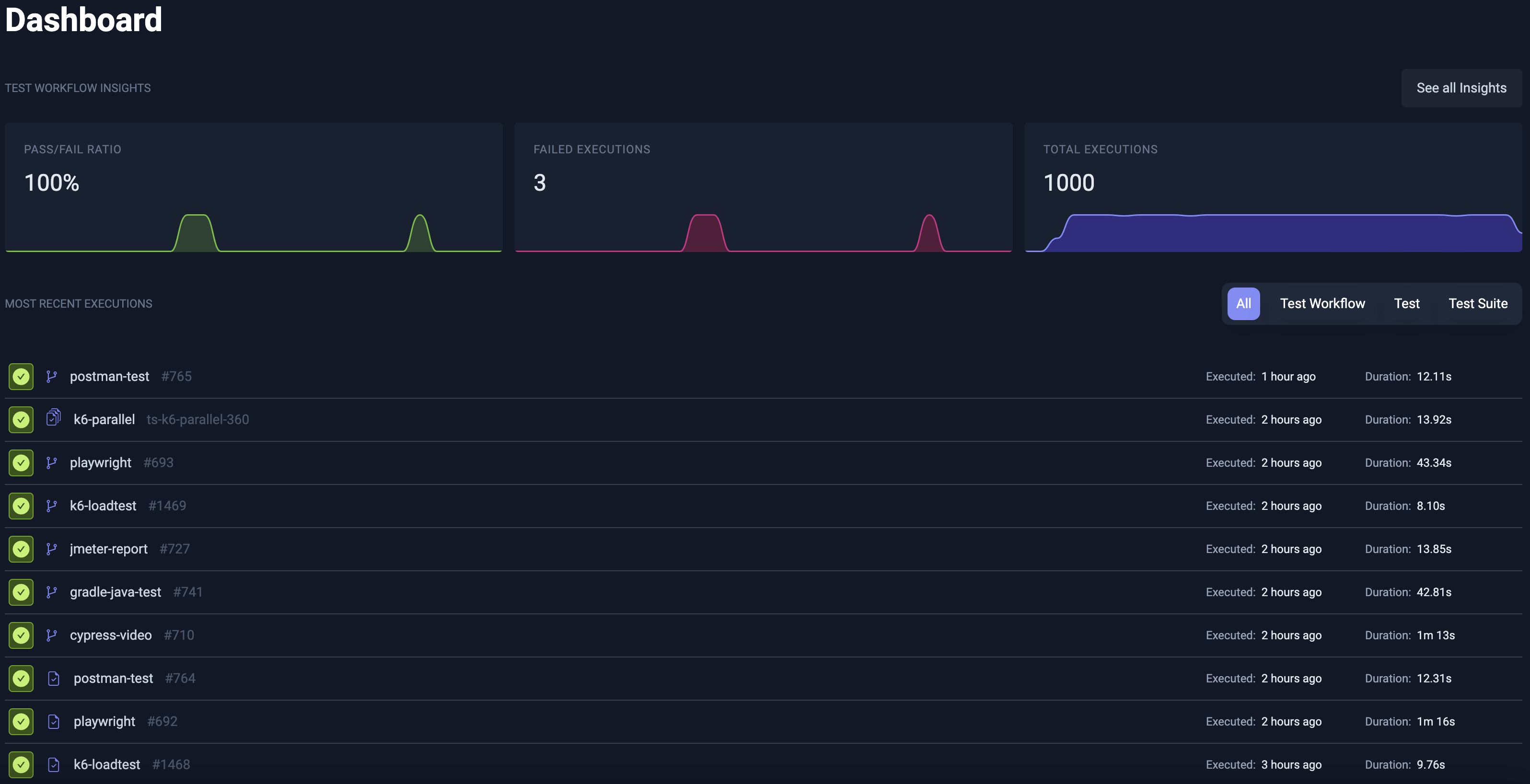
You will now see the Dashboard without having to install a runner, and are free to explore/run existing Workflows, look at execution results, etc.