Distributed Locust Example
info
This Workflows functionality is not available when running the Testkube Runner in Standalone Mode - Read More
Testkube has built-in support for parallelising any testing tool - check out the Parallelization documentation for details and examples.
The below example shows how to distribute a Locust test across a configurable number of "workers"
Distributed JMeter Workflow
kind: TestWorkflow
apiVersion: testworkflows.testkube.io/v1
metadata:
  name: distributed-locust-example
  namespace: testkube
  labels:
    docs: example
spec:
  config:
    workers:
      type: integer
      default: 2
  content:
    git:
      uri: https://github.com/kubeshop/testkube
      revision: main
      paths:
        - test/locust/locust-project
  services:
    master:
      count: 1
      logs: always
      timeout: 30s
      transfer:
        - from: /data/repo/test/locust/locust-project
      image: locustio/locust:2.32.3
      shell: |
        mkdir /data/artifacts
        cd /data/repo/test/locust/locust-project
        locust --master -f locust_test.py --host https://testkube-test-page-lipsum.pages.dev/ --headless \
        --users 20 --spawn-rate 10 --run-time 60s --stop-timeout 180 --html=/data/artifacts/report.html
      readinessProbe:
        tcpSocket:
          port: 5557
        periodSeconds: 1
  steps:
    - name: Run test
      parallel:
        count: config.workers
        transfer:
          - from: /data/repo
        use:
          - name: distribute/evenly
        container:
          workingDir: /data/repo/test/locust/locust-project
        paused: true
        run:
          image: locustio/locust:2.32.3
          shell:
            locust -f - --worker --master-host {{ services.master.0.ip }} --processes
            {{ config.workers }}
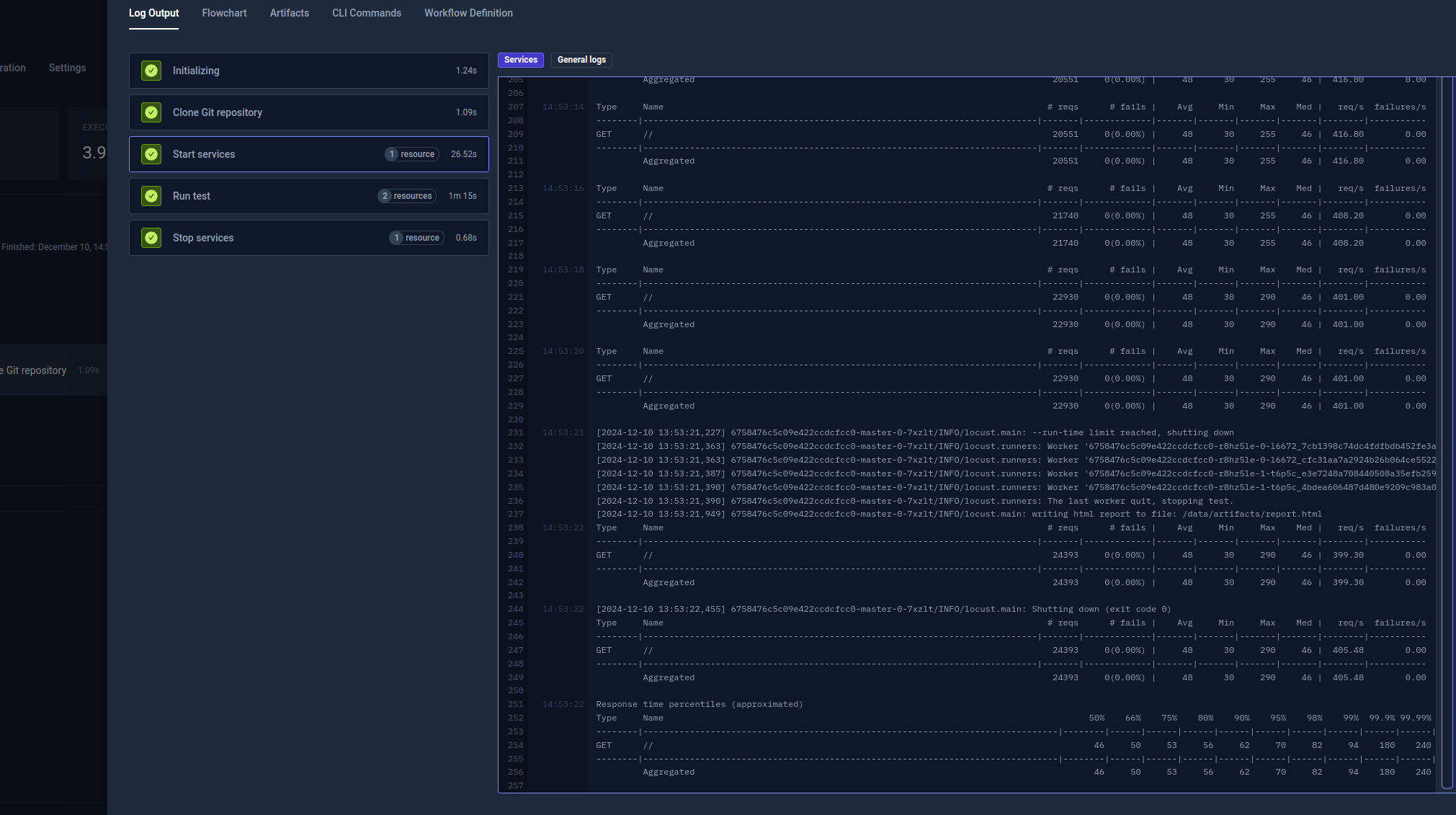
After execution, you can see the output from the test executions under the executions panel tabs:
- Log Output
The log output from the Locust execution: