Using TestContainers with Testkube
This Workflows functionality is not available when running the Testkube Runner in Standalone Mode - Read More
TestContainers is a popular framework for managing test dependencies on specific Docker containers.
To make sure TestContainers can successfully launch defined Docker images, it is recommended to define a separate service in your Workflow
that runs a docker-in-docker (dind) image, which can then be used by TestContainers by overriding the DOCKER_HOST environment variable in
your test executions.
The below example runs an Ollama Hugging Face example test from the testcontainers-java repository that uses TestContainers to spawn corresponding Ollama dependencies
- The
spec.contentproperty defines the location of the GitHub project - The
spec.services.dindproperty starts the Docker-in-Docker container (read more about Services) - the
spec.stepsproperty defines a single step that runs the Ollama test with gradle, overriding theDOCKER_HOSTenvironment variable with the internal service ip of the dind service.
kind: TestWorkflow
apiVersion: testworkflows.testkube.io/v1
metadata:
  name: gradle-with-testcontainers
  namespace: testkube
spec:
  content:
    git:
      uri: https://github.com/testcontainers/testcontainers-java
      revision: main
  container:
    workingDir: /data/repo/examples/ollama-hugging-face
    resources:
      requests:
        cpu: 512m
        memory: 512Mi
  services:
    dind:
      logs: always
      timeout: 5m
      image: docker:27.4.0-dind
      env:
        - name: DOCKER_TLS_CERTDIR
      securityContext:
        privileged: true
      readinessProbe:
        tcpSocket:
          port: 2375
  steps:
    - name: Run tests
      run:
        image: gradle:8.5.0-jdk11
        env:
          - name: TESTKUBE_GRADLE
            value: "true"
          - name: DOCKER_HOST
            value: tcp://{{ services.dind.0.ip }}:2375
        command:
          - gradle
          - --no-daemon
          - test
      artifacts:
        paths:
          - reports/**/*
          - test-results/**/*
After execution, you can see the output from the test executions under the executions panel tabs:
- Log Output
- Artifacts
- HTML Report
- JUnit Report
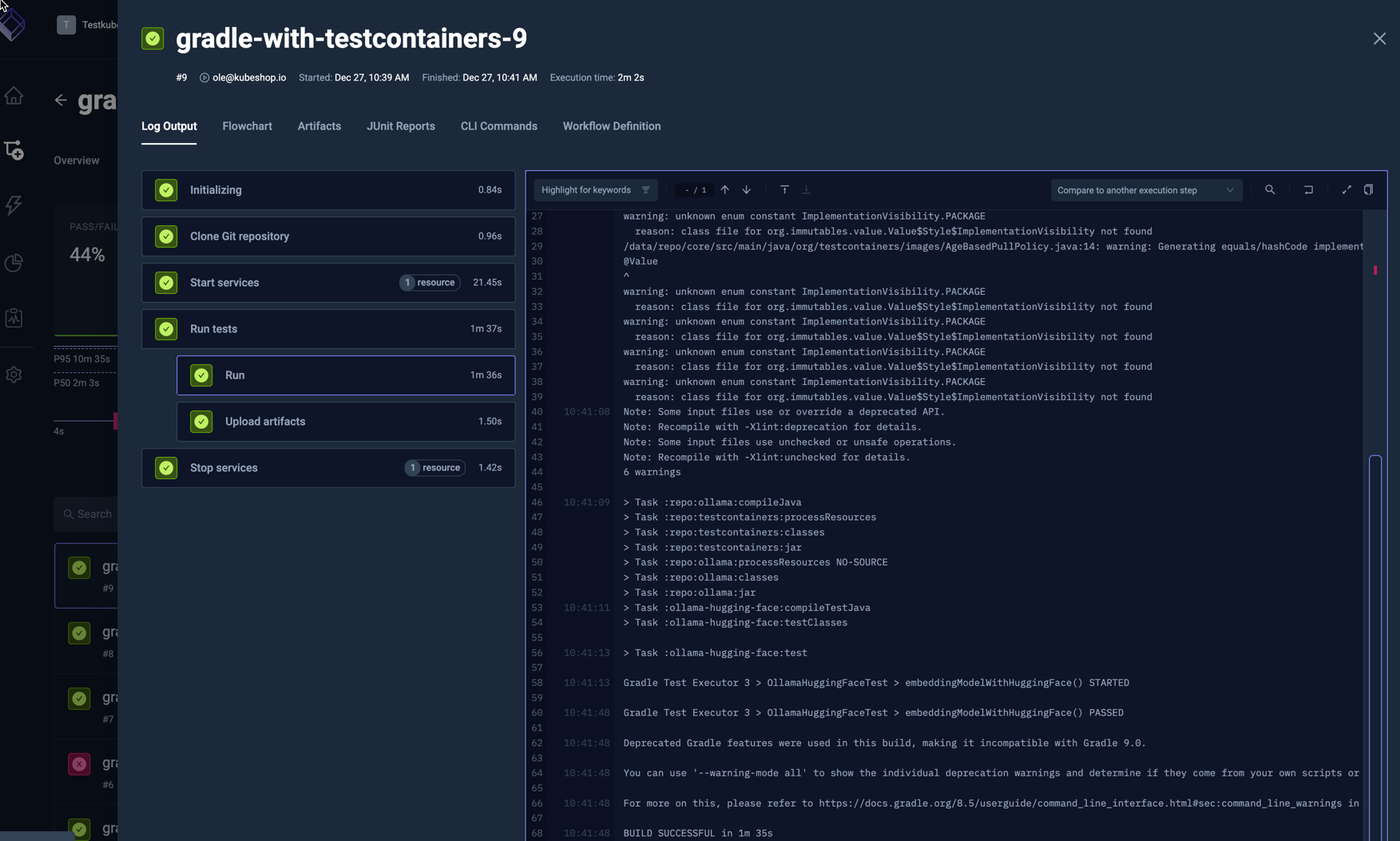
The log output from the test execution:
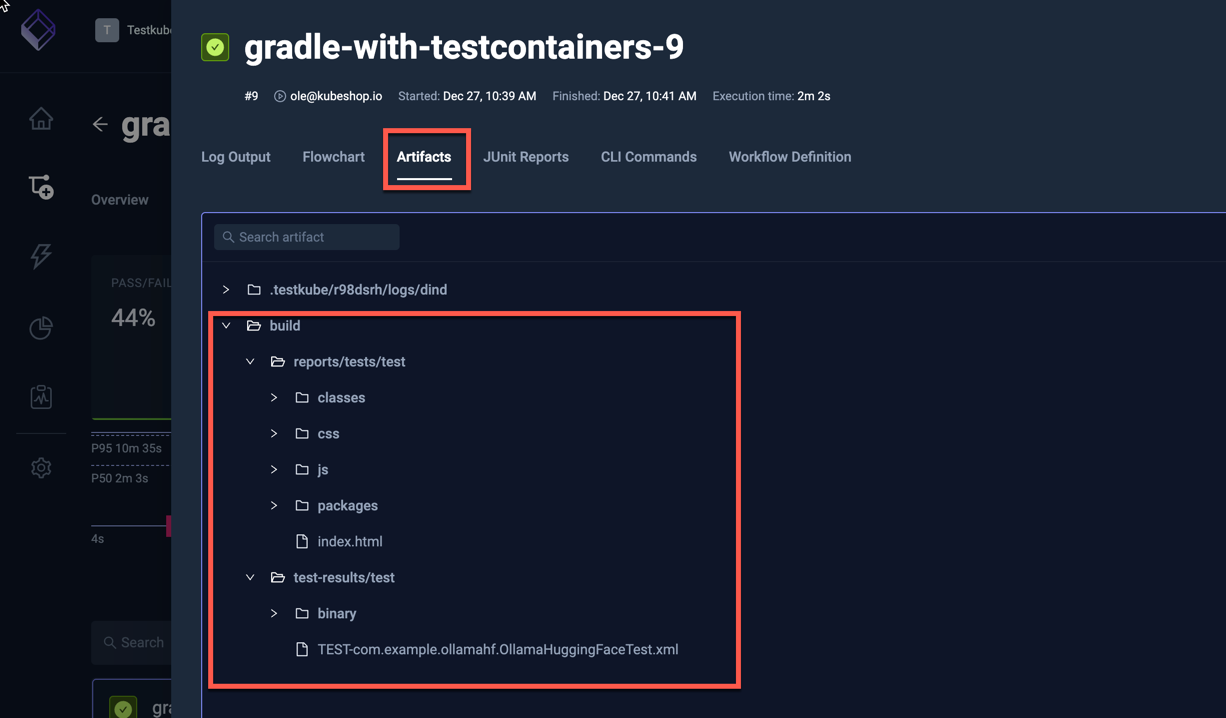
The uploaded reports are available in the Artifacts tab:
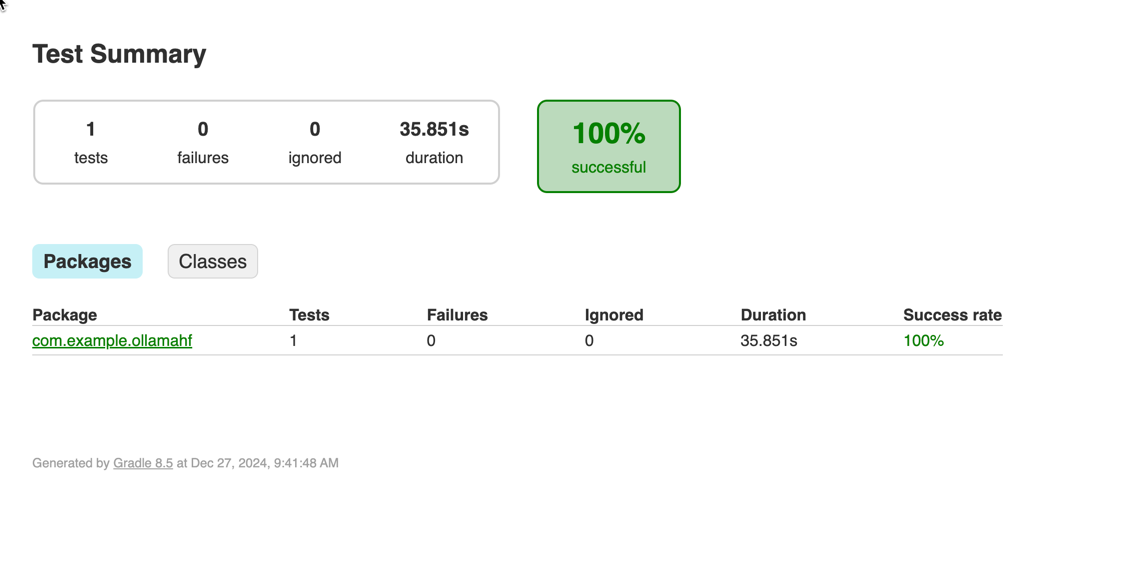
Clicking the HTML report opens it in your browser:
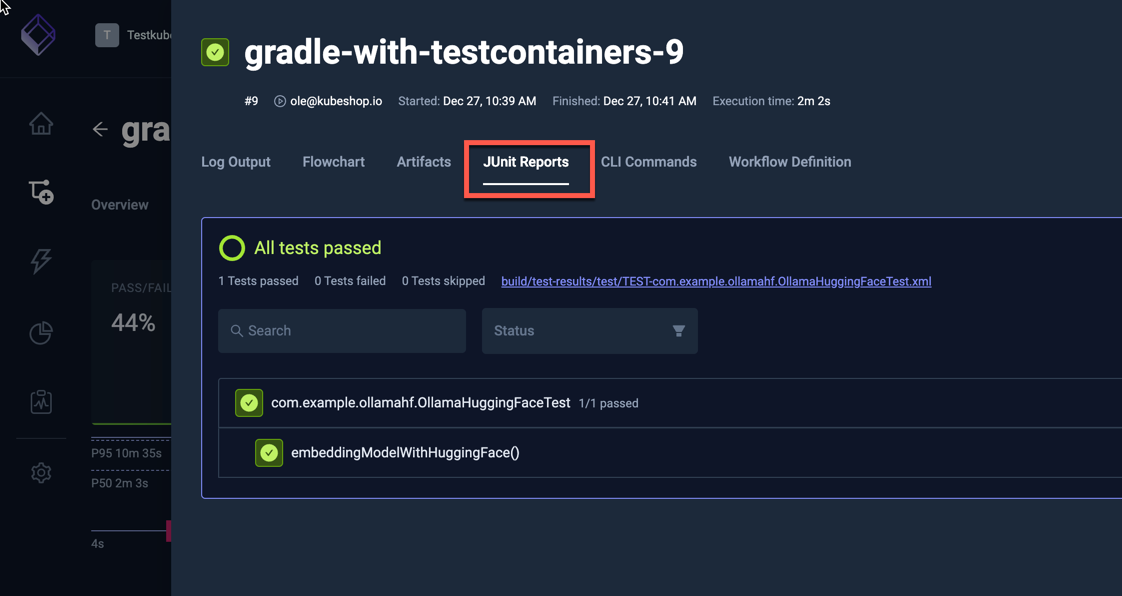
Clicking the JUnit Tab shows the JUnit test results from the execution: